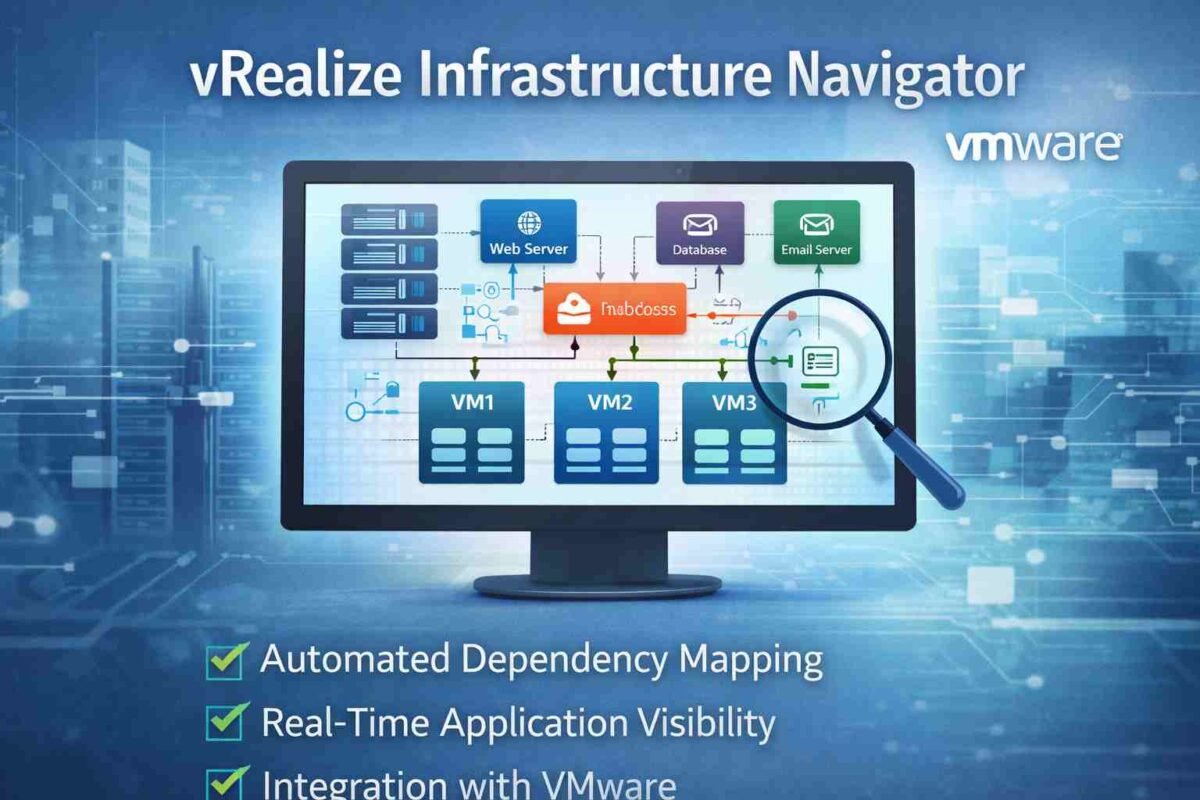
In today’s dynamic virtualized environments, visibility and dependency mapping are essential for smooth IT operations. Whether you’re managing applications, virtual machines, or cloud infrastructures, knowing how everything is interconnected is critical. This is where vRealize Infrastructure Navigator (VIN) from VMware steps in.
However, while VIN once served as a reliable tool for dependency mapping, its role has evolved with time. In this post, we’ll break down vRealize Infrastructure Navigator, its features, benefits, how it works, and the modern alternatives to this now-retired tool. Let’s explore why this tool was once a game-changer in the world of virtualized environments and what has replaced it today.
What is vRealize Infrastructure Navigator?
vRealize Infrastructure Navigator (VIN) was a tool by VMware designed for automated dependency discovery and mapping within virtual infrastructures. Its core objective was to provide IT teams with a comprehensive view of how applications, services, and systems were interconnected.
Before its integration into other tools, VIN allowed administrators to map the relationships between applications and the underlying infrastructure. This visibility made it easier to troubleshoot performance issues, plan for capacity, and understand how changes to one service might impact others.
Key Features of vRealize Infrastructure Navigator
Automated Discovery
VIN’s ability to automatically discover applications and map their dependencies without requiring agents was a standout feature. This agentless approach meant less overhead for IT teams and a faster deployment. VIN could recognize not just virtual machines but also the services they supported, making it easier to manage complex, multi-tier applications.
Real-Time Dependency Mapping
One of VIN’s key features was its real-time dependency mapping. This allowed IT teams to see how applications communicated with each other, including which resources (like VMs or storage) were being accessed. Understanding this interaction was essential for tasks like troubleshooting, capacity planning, and ensuring high availability.
VMware Integration
VIN seamlessly integrated with the broader VMware ecosystem. It worked well with vCenter Server and vRealize Operations, two other VMware tools, to provide a holistic view of the virtualized environment. This integration helped administrators correlate data from multiple sources to make better, more informed decisions.
Data Collection and Reporting
VIN didn’t just create dependency maps; it also collected a wealth of data about each application and its dependencies. This data could be used for capacity planning, risk analysis, and ensuring compliance. Administrators could use the data to create detailed reports and visualizations, which helped with decision-making.
Benefits of Using vRealize Infrastructure Navigator
Enhanced Troubleshooting
One of the most significant benefits of VIN was how it helped with troubleshooting. By offering real-time dependency maps, VIN enabled IT teams to quickly pinpoint where issues were occurring. For example, if an application was experiencing slow performance, the team could trace it back to the underlying service or infrastructure component that was causing the issue.
Risk Reduction
Understanding the interdependencies between applications was crucial in reducing the risk of making changes to the environment. With VIN, IT teams could assess the potential impact of modifying or upgrading one application on the entire infrastructure. This foresight helped avoid outages and service disruptions, particularly during maintenance or new deployments.
Capacity Planning
VIN allowed for better resource management and capacity planning by providing an overview of which applications were utilizing which resources. By understanding resource utilization patterns, administrators could better plan for future growth and allocate resources accordingly.
Cloud and Hybrid Visibility
In today’s world, many businesses operate in a hybrid cloud environment. VIN helped provide visibility not just in on-premises infrastructure but also across hybrid cloud platforms, ensuring a smooth transition and integration between public and private clouds.
How Does vRealize Infrastructure Navigator Work?
Discovery and Mapping Process
VIN uses an agentless discovery process to identify applications and map their dependencies. It scans the virtual infrastructure and detects not just virtual machines but also services running on them. These relationships are then visually represented in dependency maps, showing how each application and service is connected.
User Interface
The user interface of vRealize Infrastructure Navigator was designed to be simple and intuitive. Admins could easily navigate between real-time data visualizations, application dependencies, and historical reports. The visual nature of the maps helped simplify complex data and made it easy for non-technical users to understand system architecture.
Integration with VMware Tools
As part of the VMware vRealize suite, VIN was well integrated with other VMware products like vRealize Operations and vCenter. By pulling data from these sources, VIN could provide even more granular insights into system performance, enabling teams to troubleshoot faster and more accurately.
Alternatives to vRealize Infrastructure Navigator
While vRealize Infrastructure Navigator provided valuable capabilities, it has now been replaced or integrated into other VMware products. As of now, here are the modern alternatives:
vRealize Network Insight (vRNI)
vRealize Network Insight is a more advanced tool that combines network visibility with application dependency mapping. Unlike VIN, which focused purely on virtual machine dependencies, vRNI offers a deeper understanding of network traffic patterns and security posture across both virtual and physical environments.
VMware Aria Operations
VMware Aria Operations, formerly vRealize Operations, offers much broader functionality than VIN ever did. It includes application performance monitoring (APM), capacity planning, and network monitoring, all within the same platform. This is the direction VMware has taken, consolidating VIN’s capabilities into a broader suite of tools.
Third-Party Tools
While VMware’s tools are excellent for managing VMware environments, third-party tools like SolarWinds Network Performance Monitor and Dynatrace have emerged as strong alternatives, offering even deeper insights into network performance, application monitoring, and cloud infrastructure management.
Common Use Cases for vRealize Infrastructure Navigator
Application Dependency Mapping
VIN was particularly useful for mapping complex applications in a virtual environment. This allowed IT teams to understand the entire multi-tier application stack — from the front-end to the backend.
Change Impact Analysis
Before making changes or updates to a service or application, VIN helped teams assess the potential impact of that change on the entire network. It was especially useful when moving applications to the cloud or migrating them from on-premises to hybrid environments.
Compliance and Documentation
As organizations face increasing compliance and regulatory pressure, VIN provided an easy way to document network dependencies and application architecture. This documentation helped organizations remain compliant by offering an easy-to-read map of their infrastructure.
Troubleshooting Common Issues with vRealize Infrastructure Navigator
Connectivity Issues
Sometimes, network connectivity between VIN and the VMware environment can cause issues. Ensure that firewalls or security settings are not blocking the connection between VIN and the virtual machines you wish to map.
Data Mapping Errors
Inaccurate data mapping can occur when dependencies aren’t properly recognized. This can be due to incorrect configurations or miscommunication between VIN and vCenter. Regularly reviewing VIN’s settings and data sources can prevent this issue.
Conclusion
vRealize Infrastructure Navigator played a crucial role in simplifying the complex nature of virtualized environments by offering automated dependency mapping, real-time data visualizations, and integration with VMware’s ecosystem. Although it has been replaced and integrated into more advanced tools like vRealize Network Insight and VMware Aria Operations, its legacy still influences the design of modern VMware tools.
If you are currently managing a virtualized environment and looking to gain visibility and control, transitioning to newer VMware tools like vRNI or Aria Operations will provide you with even more powerful features. However, VIN’s simplicity and historical value cannot be overlooked as it laid the groundwork for dependency mapping in VMware’s ecosystem.
You Might Also Read: How Innovation News DualMedia Is Revolutionizing the Future of Journalism
FAQs
Is vRealize Infrastructure Navigator still in use today?
No, vRealize Infrastructure Navigator has been replaced by newer VMware tools like vRealize Network Insight and VMware Aria Operations.
What are the best alternatives to vRealize Infrastructure Navigator?
vRealize Network Insight and VMware Aria Operations are the most recommended alternatives for modern VMware environments. Third-party tools like Dynatrace and SolarWinds are also strong options.
How can I troubleshoot common issues with VIN?
Common issues can often be resolved by checking network connectivity, reviewing VIN’s configurations, and ensuring there are no firewall or security restrictions preventing access to VMware resources.
About the Author